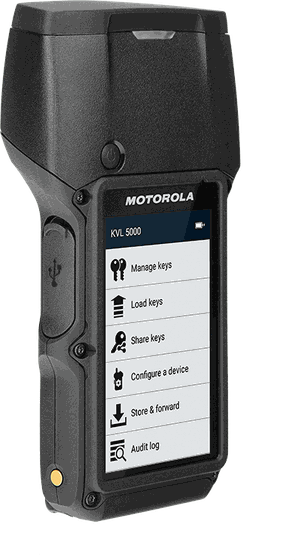
Encryption
Key Management
- Key generation and loading
- Key loading equipment and process
- Scheduled rotation
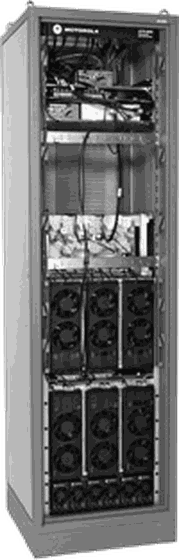
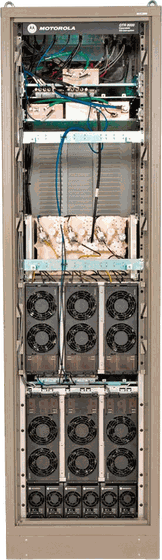
The server and management infrastructure behind the system, built, configured and kept current by us rather than left to drift. It is the unglamorous work that decides whether the system is still healthy in year five.
Nothing is bought here. Build a list and we come back with a written quote.
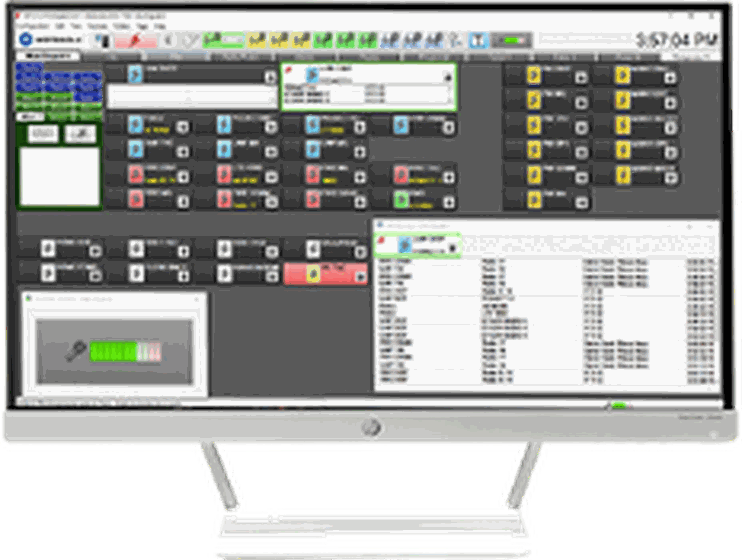
Behind every P25 system there is server and management infrastructure that nobody thinks about until it fails. Zone controllers, management terminals, databases, backups. It needs building correctly and then it needs keeping current.
Keeping current is where most systems drift. Firmware falls behind, licenses lapse, backups stop being verified, and the system is still working right up until it is not. We hold that under agreement so it never depends on anyone remembering.
Zone controllers, management terminals, databases and backups. Nobody thinks about any of it until the day one of them stops, and by then the question is how old the last verified backup is rather than how the system was built.
Drift is what gets most systems. Firmware falls behind, licenses lapse, backups stop being verified, and everything works right up until it does not. We hold that under agreement so it never depends on anyone remembering to check.
The industries we supply the System Management to, and how customers put it to work.
 Public SafetyView industry
 Local GovernmentView industry
 UtilitiesView industry
 TransportationView industry
 HealthcareView industry
Controllers, terminals, databases and backups configured properly and documented at the point of handover.
Firmware and licenses drift behind quietly, and the system works right up until the moment that it does not.
A backup nobody has restored from is an assumption, so we test them rather than confirming they exist.
Every model in the System Services range side by side, so you can see where this one sits and what the others offer.


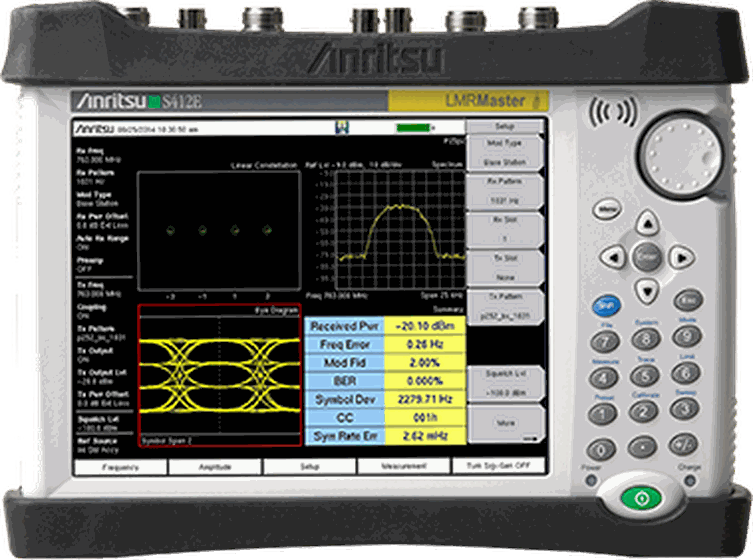
We build the servers, configure the software and document the result rather than handing over a default install.
Radio data is connected to the systems you already run, so it arrives where your people are already looking.
Automated monitoring flags a degrading service early, so it is dealt with before anyone notices on the air.
Firmware, licenses and configuration are kept current under agreement instead of drifting out of support.
What customers usually add alongside the System Management, so the whole setup arrives on one quote.
Tell us how the radios will be used and we will recommend a tier rather than quoting the most expensive option on the list.