Core
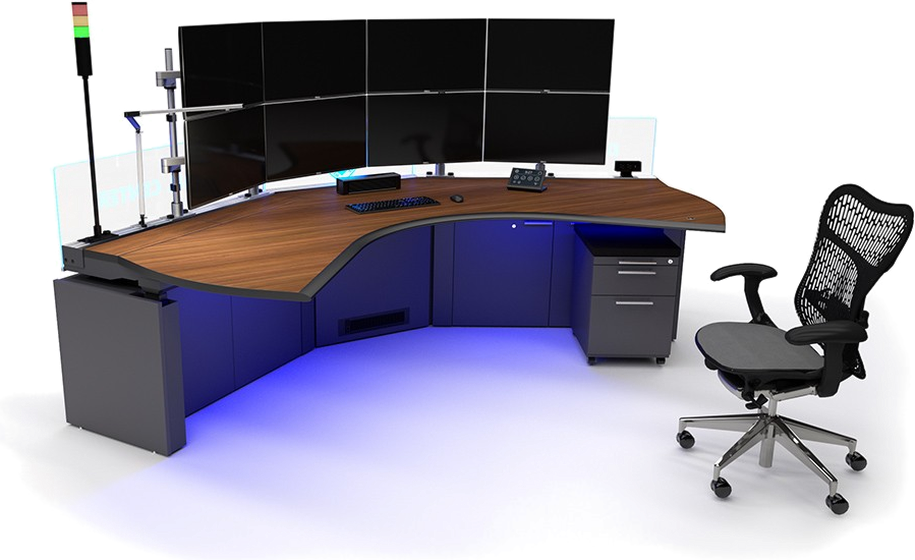
Dispatch Console
- All talkgroups on one screen
- Patch resources together instantly
- Private and group calling
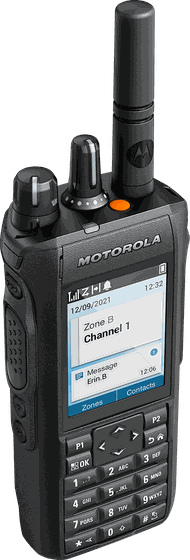
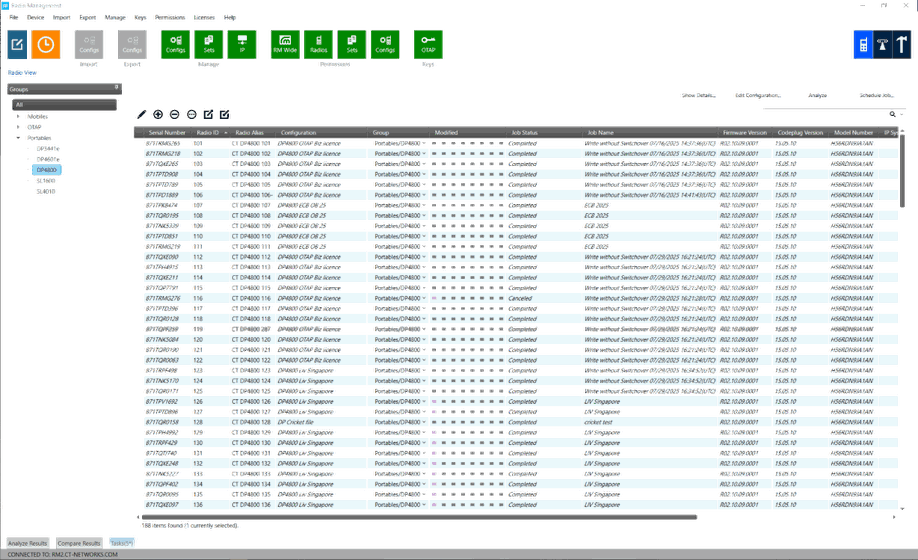
Text messaging, job ticketing and telemetry travel over the same radio system as the voice, so a job can be sent as text rather than read out and written down. It cuts the air time spent repeating addresses and reference numbers.
Nothing is bought here. Build a list and we come back with a written quote.
Text messaging, job ticketing and telemetry travel over the same radio system as the voice. A job can be sent as text, with an address and a reference number, instead of read out over the air and written down on somebody's hand.
Telemetry covers the other direction: a door contact, a tank level or a pump status reaching the system without a person in the middle. Both reduce air time, and both remove the transcription errors that cause the follow-up call.
This earns its place wherever detail is being read over the air and written down. An address, a reference, a part number. Each of those is a transcription error waiting to happen and a follow-up call to correct it, and text removes both at once.
Telemetry is the same idea pointed the other way. A door contact, a tank level or a pump status reaching the system directly, without a person in the middle to notice it and relay it. Both reduce air time, which leaves the channel clear for traffic that needs speaking.
The industries we supply the Text and Telemetry to, and how customers put it to work.
 UtilitiesView industry
 TransportationView industry
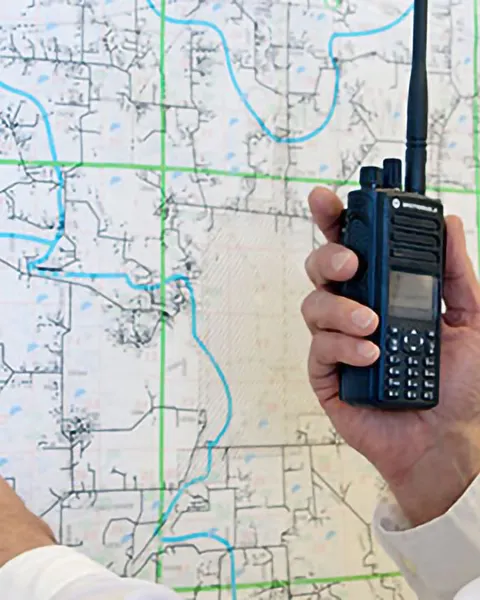 Local GovernmentView industry
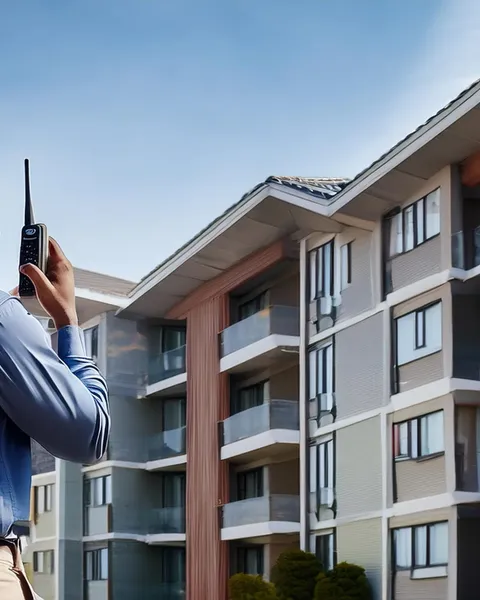 Property ManagementView industry
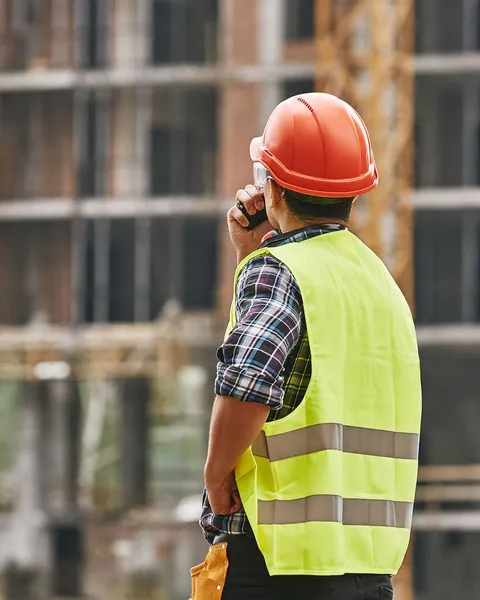 ConstructionView industry
An address and a reference sent as text rather than read over the air and then written down wrong by somebody.
A door, a tank level or a pump status reaching the system directly, with no person needed in the middle of it.
Routine detail moves off the voice channel, which leaves it clear for the traffic that genuinely needs speaking.
Every model in the Dispatch range side by side, so you can see where this one sits and what the others offer.
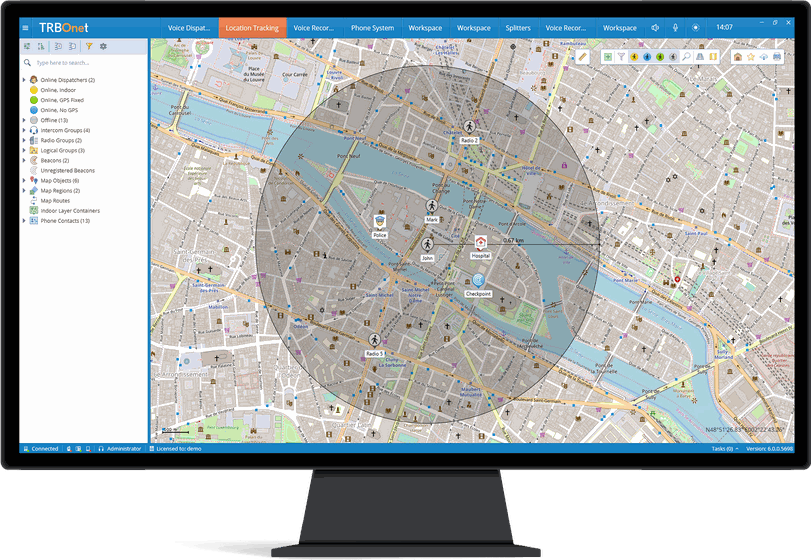
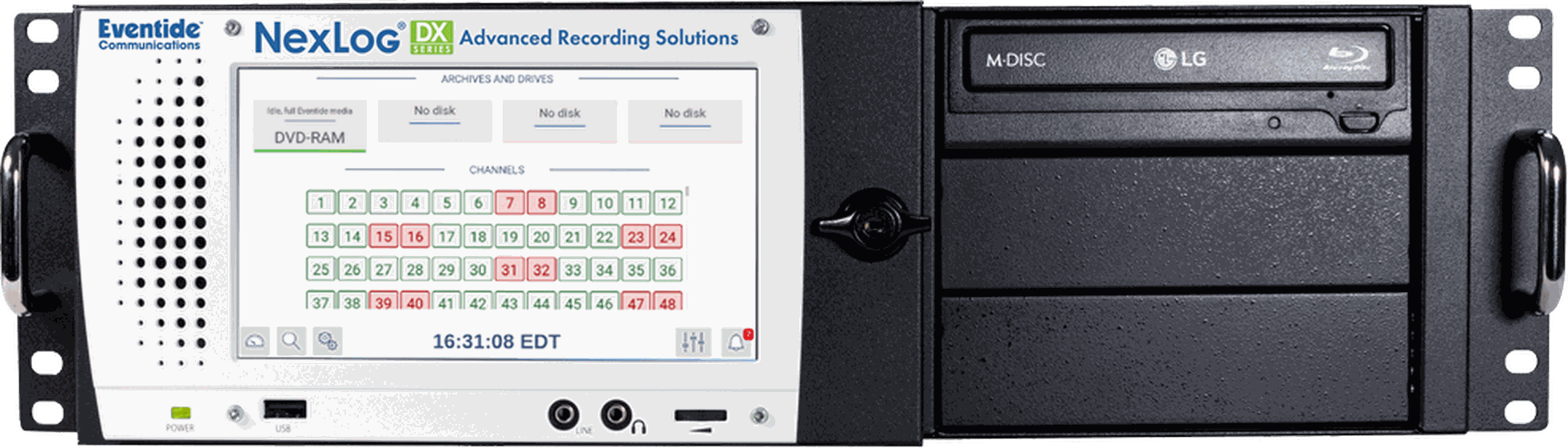
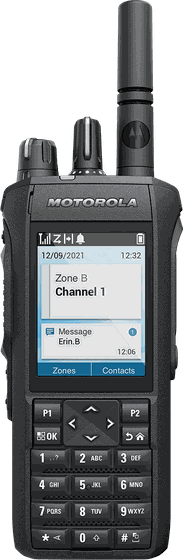

The console layout follows how your dispatchers actually work rather than how the software ships by default.
We install the position, tie it to the radio system and connect the other tools dispatch already has open.
Your dispatchers are trained on the live system before go-live, so day one is not spent learning the screen.
A dispatch position down is an emergency, so it is covered by 24/7 response rather than next business day.
What customers usually add alongside the Text and Telemetry, so the whole setup arrives on one quote.
Tell us how the radios will be used and we will recommend a tier rather than quoting the most expensive option on the list.